Orchestration
Run the whole fleet like one server.
Tag servers by environment and act on them together: run scripts across many servers with output per server, manage services, workers and cron jobs, run Docker Compose stacks, and connect servers over private networks and load balancers.
Many servers at once
Run a saved script on every server with a tag, and read each server’s output and exit code separately.
Workers and cron
Queue workers for Laravel, BullMQ, Sidekiq and Celery, a visual cron builder, and every run’s exit code and output.
Containers
Docker hosts with Compose stacks: edit the file, then up, down, pull and restart, with logs and a domain per container.
Networks
Firewall rules with a preview and automatic revert, private networking, and load balancers with health checks.
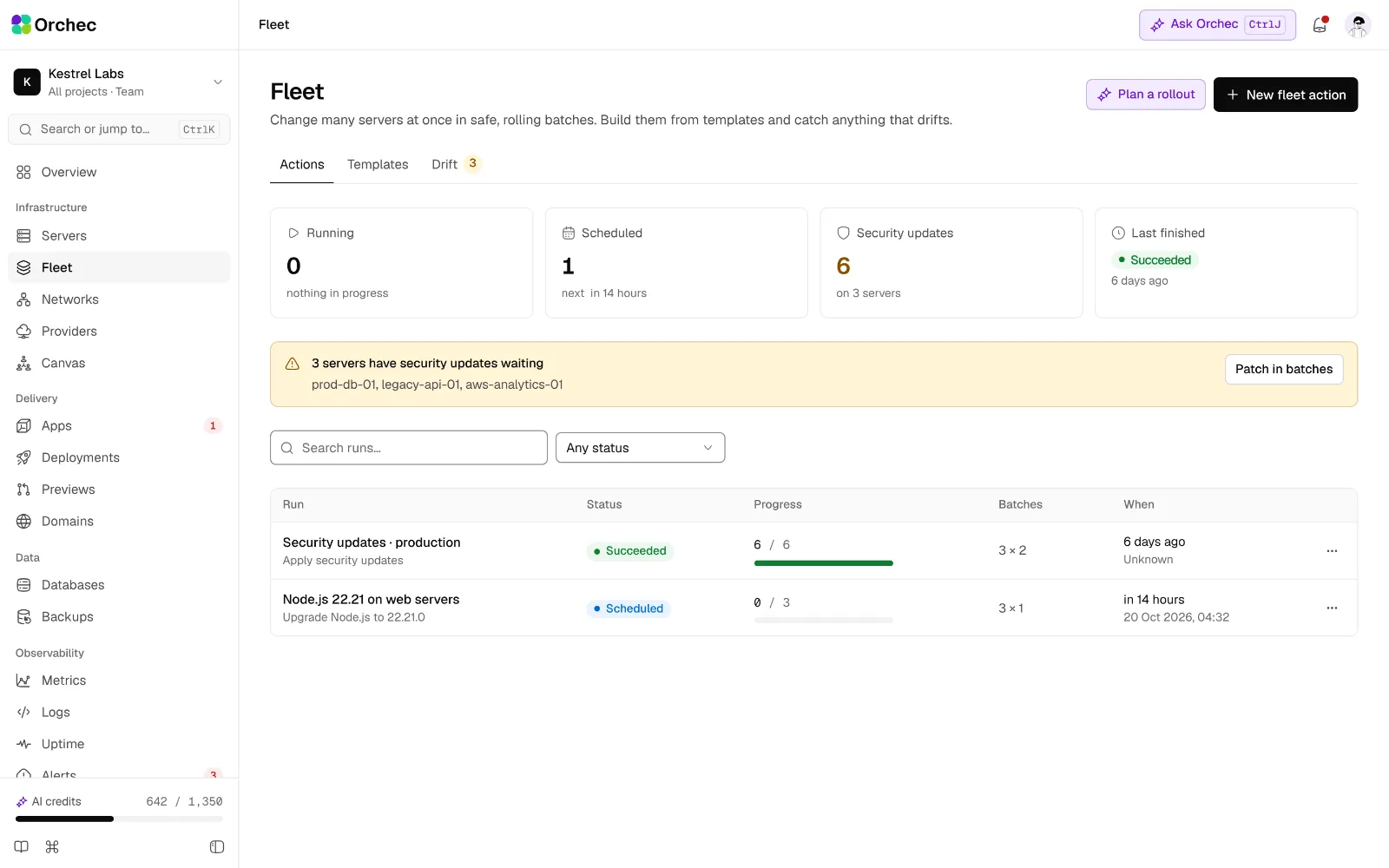
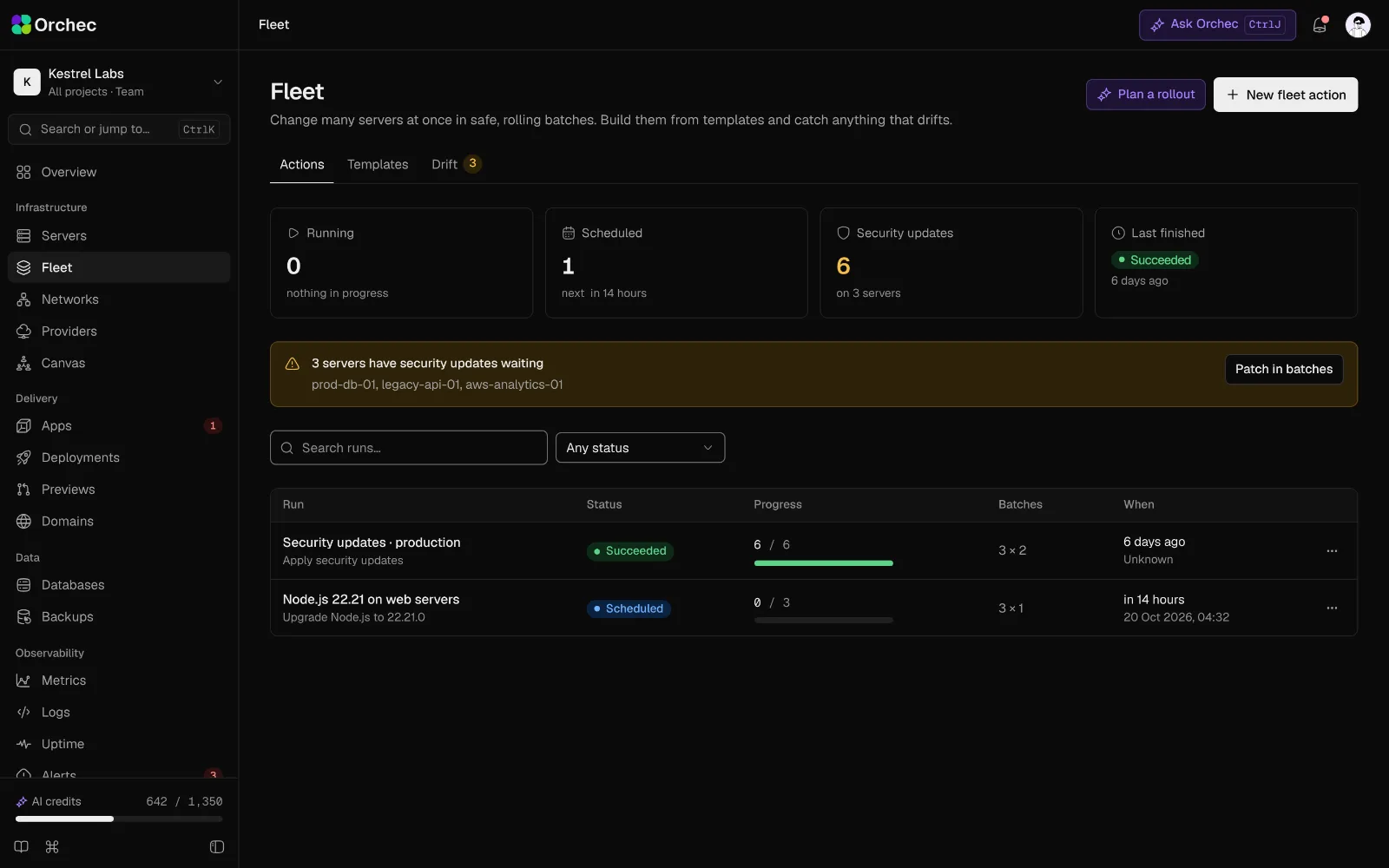
The fleet: every server, filterable by tag, provider and health.
Fleet
Tags, templates, fleet-wide actions and drift.
On the roadmap · 8 more
- Tags and environmentsLabel servers prod, staging or dev and filter every screen by them.
- Fleet inventorySearchable table of every server with OS, kernel, packages and agent version.
- Server templatesSave a full recipe (type, packages, firewall, users) and create identical servers from it.
- Fleet actionsRun a patch, restart, install or script across a tagged group, in batches, stopping on failure.
- Configuration drift reportPer server, the differences between the intended and the actual state.
- Infrastructure canvasLive map of providers, servers, apps, databases and domains; propose changes on it and apply them as a plan.
- AI fleet assistant AI"Patch every Ubuntu 22.04 web server in staging tonight" becomes a reviewed fleet plan.
- AI drift explanation AIExplains each drift item, who likely made the change and whether to keep or revert it.
Processes, workers and cron
Everything that runs in the background, kept running.
Service manager
Start, stop and restart system services and read their status.
Daemons
Any long-running process under systemd or Supervisor, with a restart policy.
Cron jobs
Visual cron builder with a plain-language preview and timezone.
Queue workers
Laravel queues, BullMQ, Sidekiq, Celery and custom Node or Rust workers.
Worker scaling and limits
Process count, concurrency, and memory and CPU caps.
Graceful drain on deploy
Workers finish current jobs, then restart on the new release.
Cron run history
Exit code, duration and output for each run.
Process viewer
Top processes by CPU and RAM, with kill after confirmation.
AI cron writer
AI"Every weekday at 2 am Tokyo time" becomes a cron expression with the next five run times.
On the roadmap · 3 more
- Queue dashboardQueue depth and failed jobs, with retry and delete (BullMQ, Redis, Horizon).
- Overlap and missed-run alertsPrevents double runs; alerts when a job did not run or ran too long.
- AI worker diagnosis AIExplains crash loops and failed jobs from the logs and suggests limits or fixes.
Containers
Docker and Compose without a cluster to babysit.
Docker host server type
Docker and Compose installed and managed.
Compose stacks
Edit docker-compose.yml, then up, down, pull and restart.
Container actions and logs
Start, stop, restart, remove and read logs.
Domain to container
Proxy a domain to a container port with SSL.
On the roadmap · 10 more
- Images and volumesList, inspect sizes and prune.
- Registry loginsDocker Hub, GHCR, GitLab, ECR and self-hosted registries.
- Resource limitsCPU and memory caps per service.
- Container shellOpen a shell inside a container from the browser.
- Health-checked rolloutsReplace containers only after the new one reports healthy.
- Image vulnerability scanScans images before deploy and blocks on critical CVEs.
- Lightweight multi-node clusterSchedule containers across several servers without Kubernetes.
- Kubernetes read-only viewConnect a cluster and see workloads, logs and events.
- AI Compose generator AIBuilds a docker-compose.yml from the repo with services, volumes and health checks.
- AI Dockerfile optimizer AISuggests multi-stage builds, smaller base images and better layer caching, with the size saved.
Networking
Firewalls, private networks, IPs and load balancers.
Firewall rules
UFW or nftables rules with presets for SSH, HTTP and HTTPS.
Dangerous-port warning
Warns before 5432, 3306, 6379 or 9200 is opened to the internet.
IP allow lists
Allowed IPs and CIDR ranges per port.
Change preview and auto-revert
Shows the rule diff; reverts automatically if the server becomes unreachable within 60 s.
Private networking
Service-to-service traffic over the provider's private network.
Load balancers
Round robin, least connections or IP hash, with health checks and SSL termination.
On the roadmap · 4 more
- Floating and reserved IPsAssign and move IPs between servers.
- WireGuard mesh across providersJoin Hetzner, AWS and on-prem servers into one private network.
- Rate limiting and bot rulesPer-route request limits and fail2ban jails.
- AI firewall review AIReads open ports and listening processes and proposes the tightest safe rule set.
Be first in when Orchec opens.
Join the waitlist for an early invite, or book a demo and we’ll walk your team through it on your own stack.